
ARC Genesis
Advanced Room Correction
Simplified by Anthem
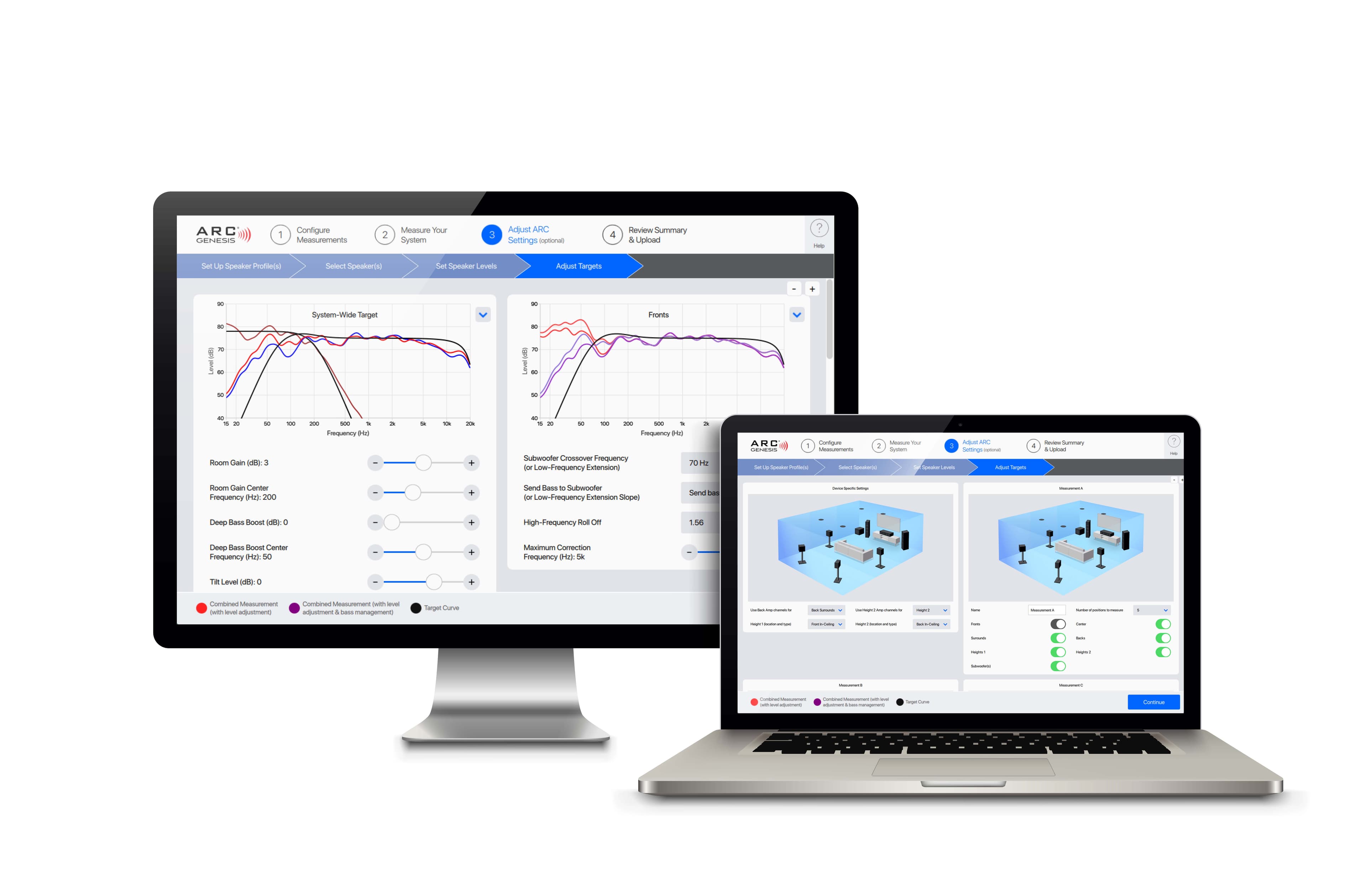
ARC Genesis is Anthem’s flagship room correction software, designed to put the power of a professional audio lab in your hands. Compatible with Mac and Windows, it measures your room’s unique acoustics, calculates custom correction curves, and uploads them to your ARC-compatible system — delivering accurate, balanced, and natural sound for any setup.
If you own an Anthem, Paradigm, or MartinLogan product that’s ARC- or PBK-enabled*, you can unlock a new level of performance and precision by downloading the ARC Genesis software. Experience the next generation of room correction — powerful, intuitive, and unmistakably Anthem.
*Note: ARC Genesis is not compatible with older products that rely solely on RS-232 connections for data transmission. For older models, please download ARC-1 software.

New Features Include
- Support for Mac & Windows
- New Target Curve Adjustments: Customize deep bass and high-frequency response
- Flexible Measurement Options: Save, stop, start, resume measurements, and remeasure individual speakers
- Improved User Interface for easier navigation and setup
- Enhanced Algorithms for more precise corrections
- Custom Maximum Correction Frequencies for each speaker set
- Automatic Speaker/Subwoofer Phase Alignment for Anthem STR Series products
Modes for Every User
Auto Mode:
Guided setup for consumers; measures, calculates, and applies corrections automatically.
Professional Mode:
Full control for installers and enthusiasts; fine-tune every parameter, including bass management.
No matter your setup — a 2-channel stereo or a 9.4.6 home theater — ARC Genesis
delivers room correction that’s bold, precise, and ridiculously easy to use.
What You Need to Install ARC Genesis
To get started with ARC Genesis, you’ll need a few essential components:
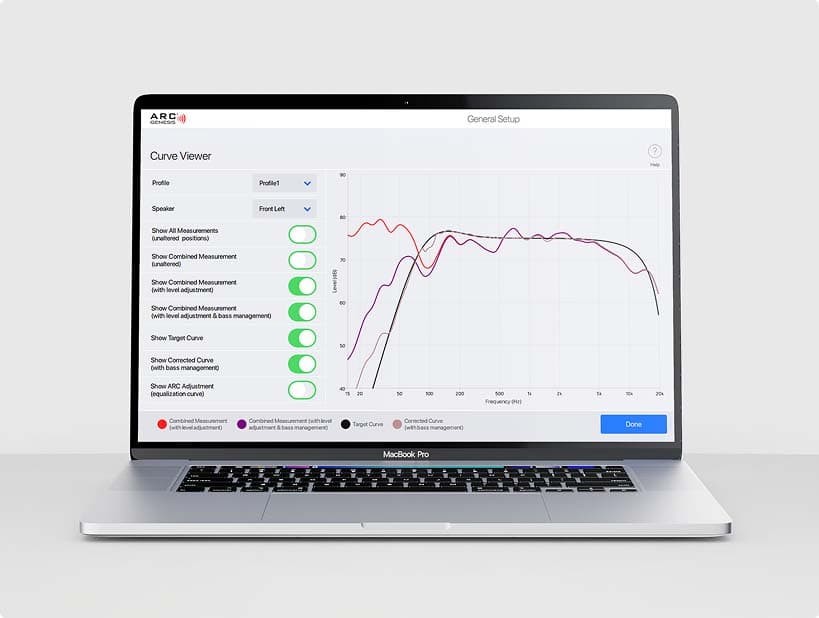
A Compatible Computer
- Mac (macOS) or Windows (PC)
- Minimum system requirements vary; check the ARC Genesis download page for specifics
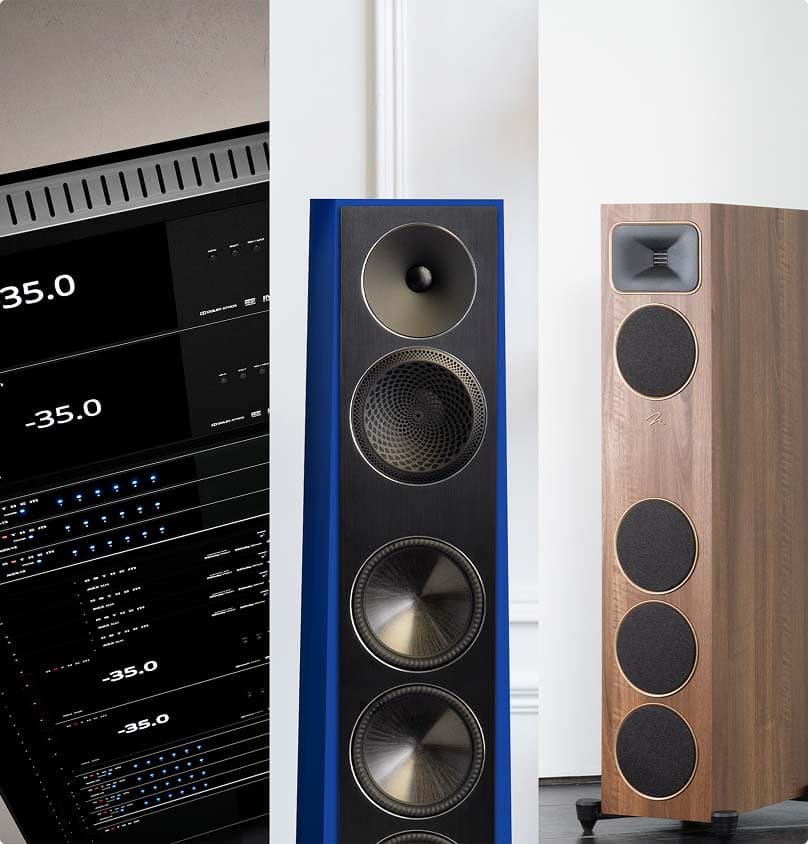
ARC-Compatible Audio Products
- Anthem receivers, processors, or amplifiers
- MartinLogan or Paradigm speakers that support ARC
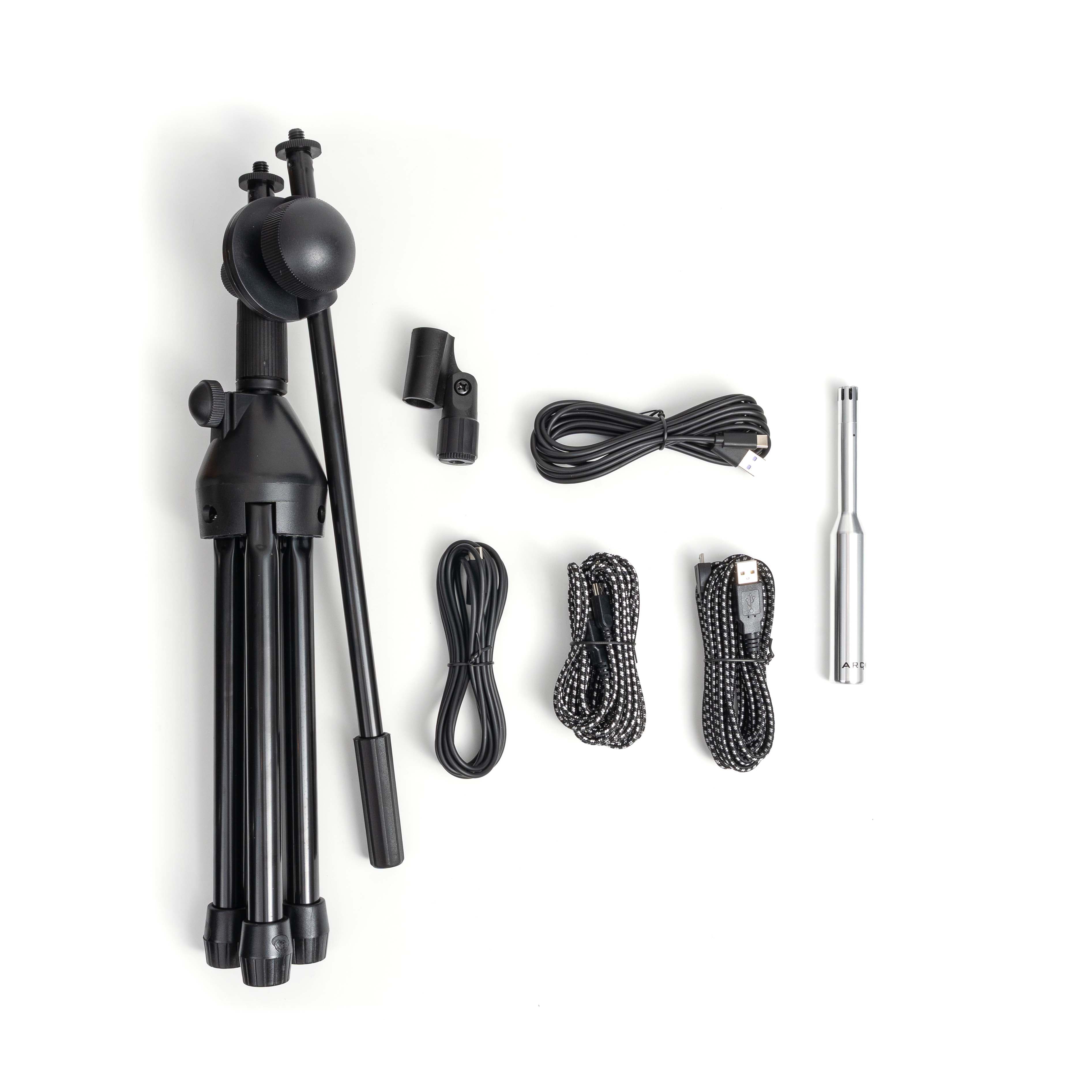
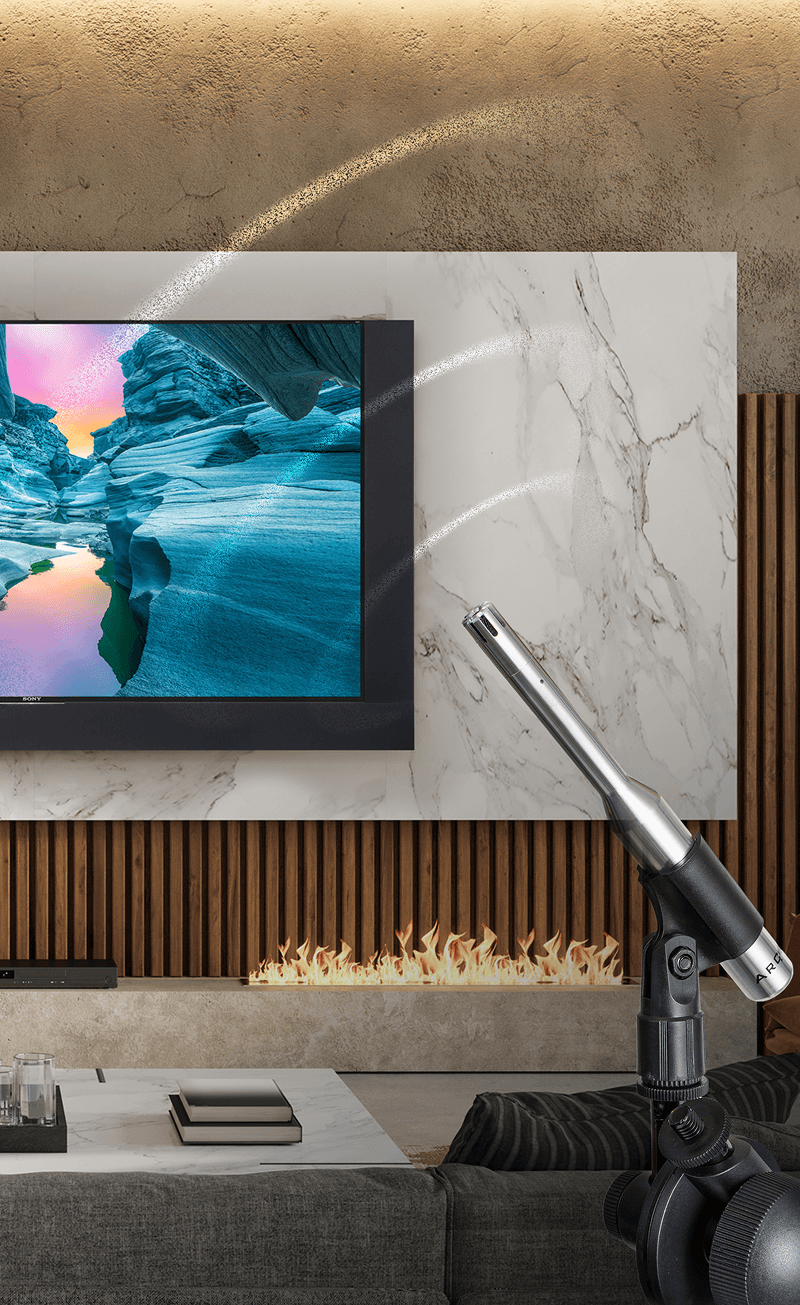
ARC Measurement Kit
- Precision-calibrated microphone (included with ARC)
- Microphone stand or tripod for proper placement
ARC Genesis Software
- Free download for Mac or Windows from Anthem’s website
- Optional: ARC Mobile for iOS and Android for additional convenience
Once installed, simply connect your computer to your ARC-compatible device via USB or network, run the measurement process, and upload the corrections to your system.
Optional but recommended:
- Free download for Mac or Windows from Anthem’s website
- Optional: ARC Mobile for iOS and Android for additional convenience
Expanded Compatibility
ARC Genesis® is backward compatible with a wide range of Anthem, Paradigm, and MartinLogan products that are ARC- or PBK-enabled (see full compatibility list below). This third-generation ARC represents a significant leap forward in room correction, offering the most comprehensive set of features ever.
ARC Genesis optimizes the performance of compatible speakers and electronics to match the unique acoustic characteristics of any room. Its proprietary Digital Signal Processing (DSP) software, combined with the precision-calibrated microphone included with your ARC-enabled product, delivers astonishing improvements in clarity, balance, and overall sound quality.
Explore What ARC Genesis Can Do
 Demo Mode
Explore the full capabilities of ARC Genesis without a connected Anthem, MartinLogan, or Paradigm product. Experience the software firsthand and get a feel for the powerful tools it provides.
 Assign Amp Channels
For compatible products like Anthem MRX receivers and AVM processors, ARC Genesis lets you configure assignable amplifier channels directly in the software, simplifying setup for Zone 2 or height effect channels.
 Bass Management Setup
Optimize low-frequency performance for MRX receivers, AVM processors, and STR preamplifiers/integrated amplifiers. ARC Genesis enables full control over bass management, letting you redirect bass to your subwoofer below a speaker’s crossover frequency for tight, controlled, and natural low end.
 Customizable Target Curves
Professional Mode allows precise tuning of system-wide target curves. Adjust room gain, deep bass boost, and tilt, as well as high-frequency roll-off, crossover frequencies, and slopes for individual speaker sets. Subwoofers can be fine-tuned for high- and low-frequency extension, including slope adjustments.
 Full-Range Room Correction (20 Hz – 20 kHz)
Apply custom correction to each speaker set, up to 20,000 Hz. Tailor correction to specific speaker types — for example, limit dipole electrostatics to 400 Hz or small height speakers to ARC’s default 5,000 Hz.
 Multiple Measurements
Capture up to four measurement sets per device to account for room changes — for example, with a drop-down screen deployed or hidden, drapes open or closed, or doors positioned differently.
 Multiple System Profiles
Create up to four profiles per device for flexible listening configurations — for instance, one optimized for a multi-channel home theater with subwoofer, and another for a 2-channel music system without a sub.
 Remeasure
Upgrade or change a speaker without starting over. ARC Genesis lets you remeasure only the updated speaker and seamlessly update target curves.
 Pan and Zoom
Examine graphs in detail. On a computer, zoom with the mouse wheel or controls, and pan by clicking and dragging. Touchscreen devices allow pinch, drag, and on-screen zoom controls.
 Multiple Language Support
Switch between languages (Chinese, English, French, German, Spanish) in ARC > Preferences > Languages for an interface that works in your preferred language.
 Quick Measure & Snapshots
Quick Measure enables experimentation with speaker and subwoofer placement in real time, while Snapshot lets you freeze a curve for comparison against subsequent adjustments to the room’s acoustic response.